Lumbridge Labs · Experiment
Tera. Your Lumbridge as a place.
A world engine that agents drive, and a town built on it that you can walk through.
- Engine
- three.js
- Worlds
- Plain JSON
- Runs in
- Any current browser
- Step inside
- VR and AR
The town
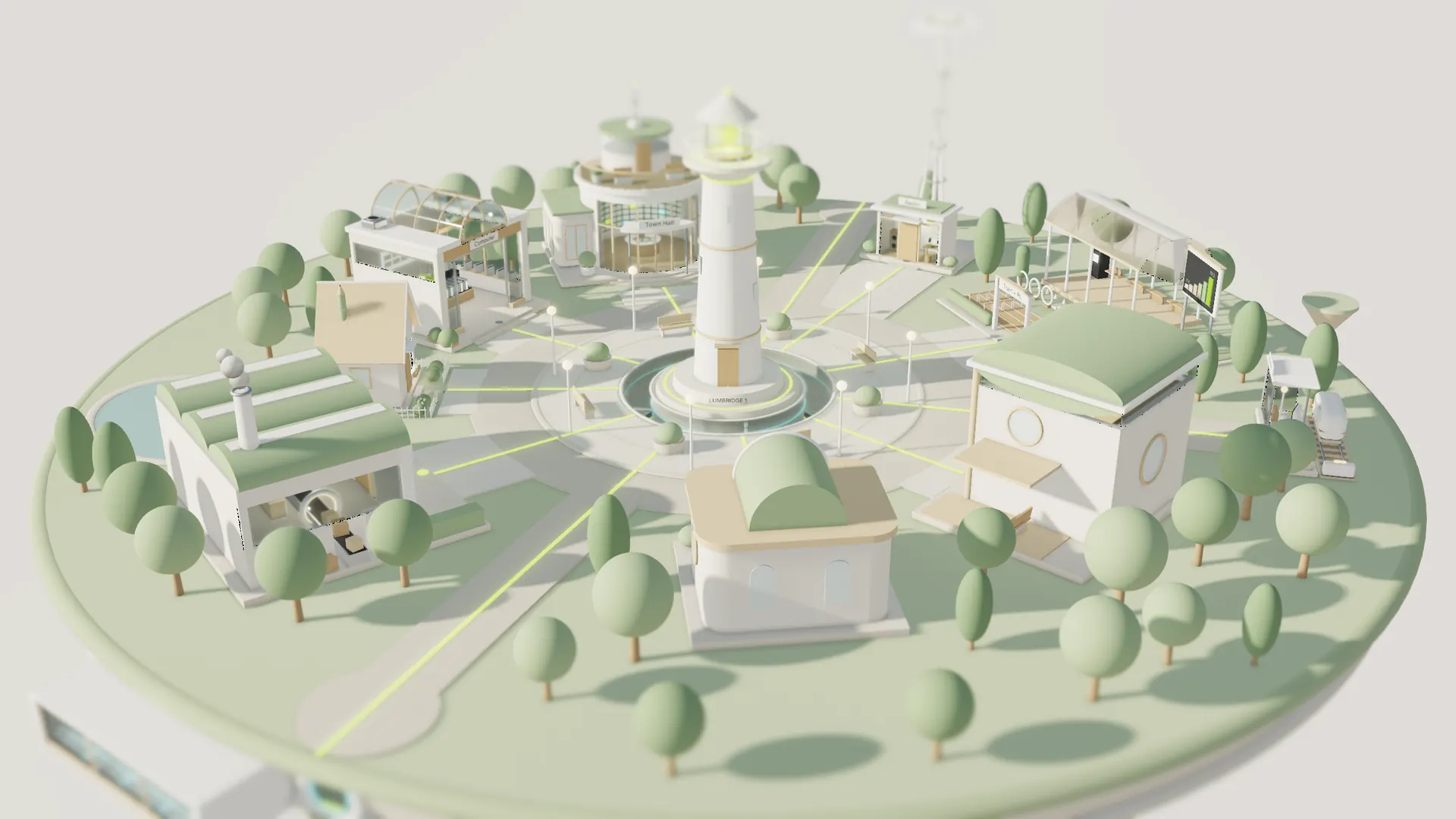
A floating island of the Lumbridge stack.
Each building is one part of Lumbridge. Agents walk between them.
Lighthouse
The model in the middle of the island.
Lumbridge 1Town Hall
The control room. Agents start here and come back to report.
Core · App · TUIFactory
Issues go in, reviewed changes come out on the conveyor.
FactoryPost office
Mail is read and sorted here. Replies wait for a person to send them.
MailLibrary
Documents and research on one shelf, code on another.
LibraryNotebook house
Plain-file notes that people and agents write together.
NotesWorkshop
Keeps a GPU machine running: models in, models out, services healthy.
ComputerRadio tower
Speech in and speech out, on hardware you own.
VoiceGym
Small models train on real work and ship only when they beat the last one.
TrainTram stop
The line out to your phone.
Phone and web
What you see
Agents walk. Data glows.
Agents walk the town, and traffic flows as light through tunnels under it.
Robots are agents
Each robot is an agent at work. It walks to the building whose part it is using, and its tag says what it is doing.
Light is traffic
Requests, data and media run through the Underworks as light, from every building down to the compute floor.
Gauges are machines
The compute floor is the machines our agents run on, as a room you can walk through. Each machine shows its load as it rises and falls.
The engine
Worlds that agents drive.
Tera is a three.js world engine. A world is plain JSON, changed through an MCP server and shown as a live page, in VR or as frame-exact video.
Open engine
Licensed under Apache-2.0. The code is on GitHub.
Private town
The engine is open source; our town is private. Visitors see a public town.
Sensors, not video
One more experiment: cameras as sensors, not video. The world knows the room’s state, never sees pictures.
Watch
The town on film.
Each film is rendered by the engine, frame by frame, from a world you can open in a browser.
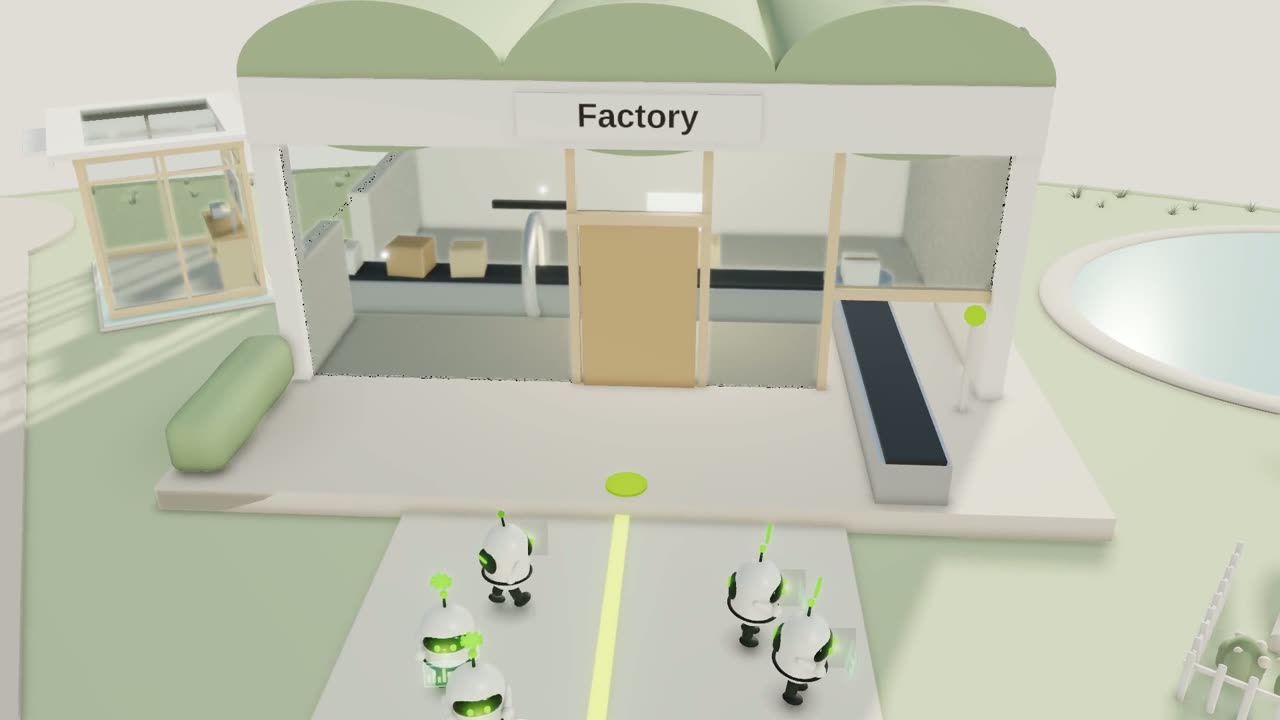 0:45
A working day
A day in the Lumbridge town: mail at the Post Office, PR boxes down the Factory line, research at the Library, the Saturday training run at the Gym, and down through the Underworks to the machines.
Watch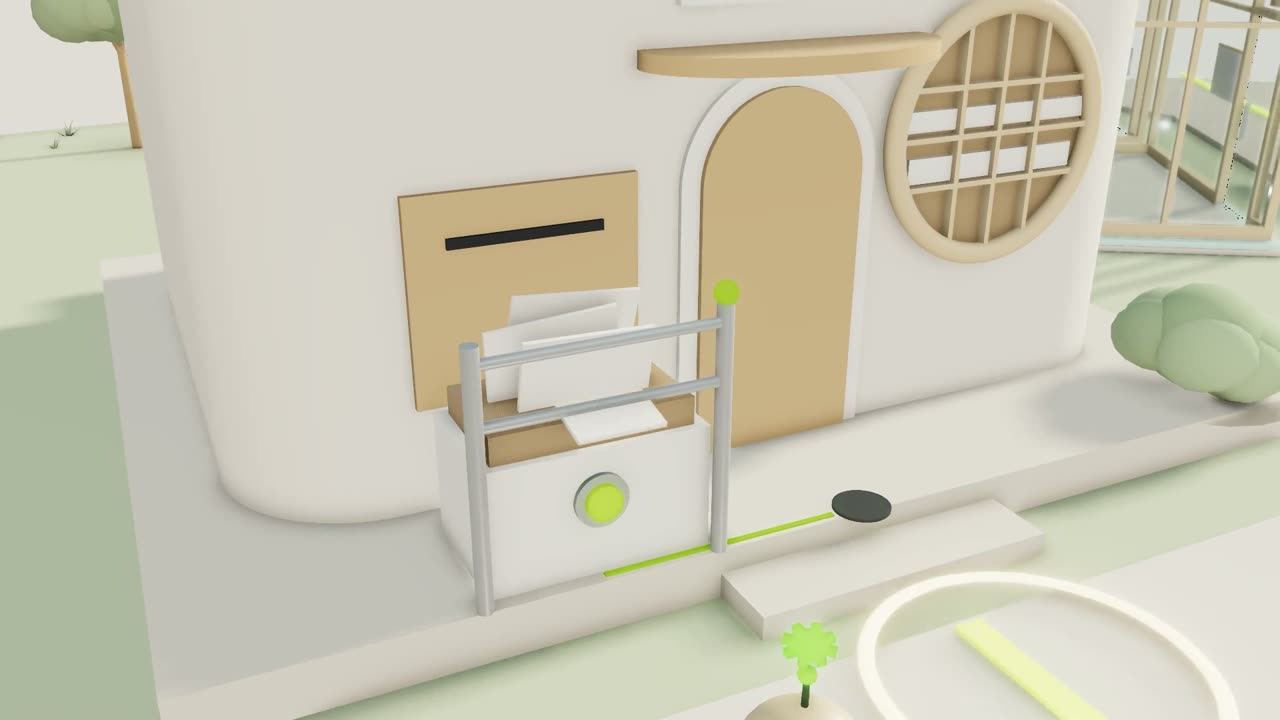 0:30
One reply
An email arrives, Lumbridge 1 drafts a reply, the draft waits at the Post Office gate until a person sends it, and the label teaches the Gym.
Watch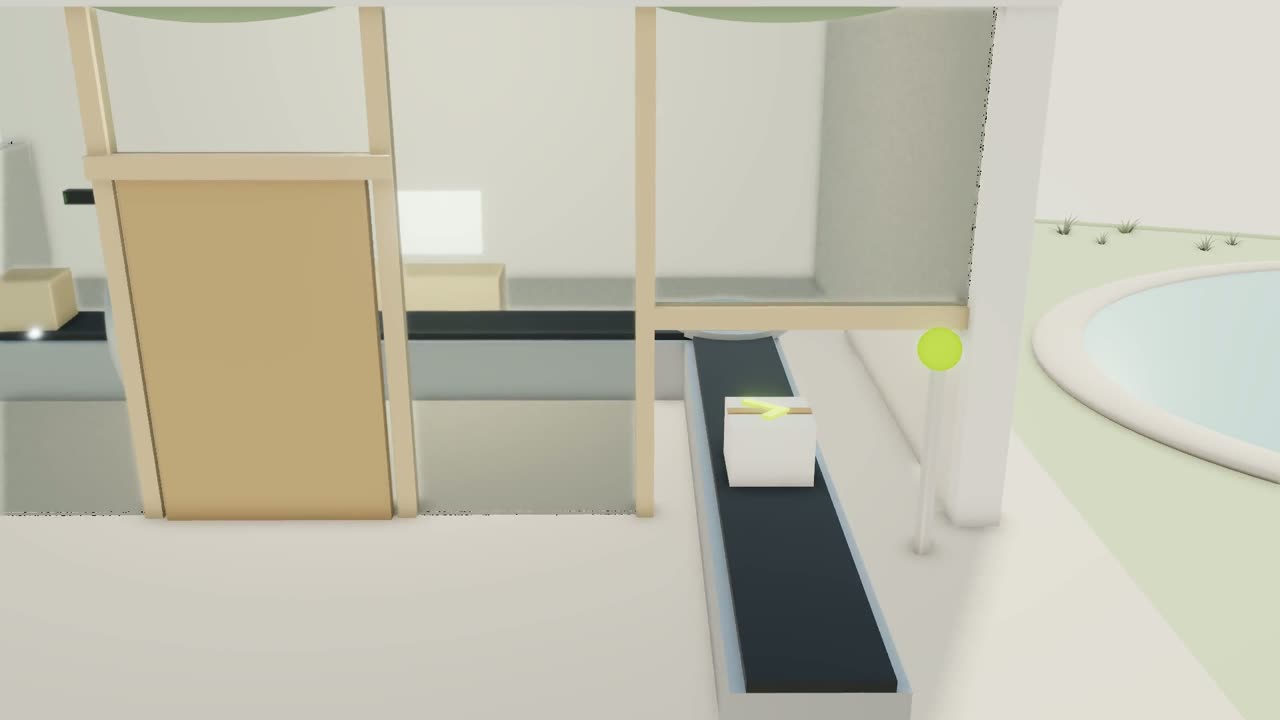 0:30
One pull request
A coding agent takes a task at the Town Hall, walks to the Factory, and its PR box rides the line through CI and review until a person approves it and it merges.
Watch
Step inside
Walk the streets in VR.
Tera runs in the browser on three.js and WebXR. In a headset the island is a model on the table you can pick up, or a street you walk at robot scale.
- VR
Quest 3
Open the town in the headset’s browser and choose Enter VR. Grip to move the island, A to walk its streets.
- AR
On your table
Passthrough on a Quest 3 or Spectacles puts the island on the nearest table, at the size you choose.
- Browser
No install
Drag to orbit, scroll to zoom, pick a camera. Click a building or a robot to see what it is.
Interactive
Open the public town.
A day on the island, in your browser. Orbit, zoom and click anything that moves.